The components behind the projects, with practical notes and links to see them in use.
Generic
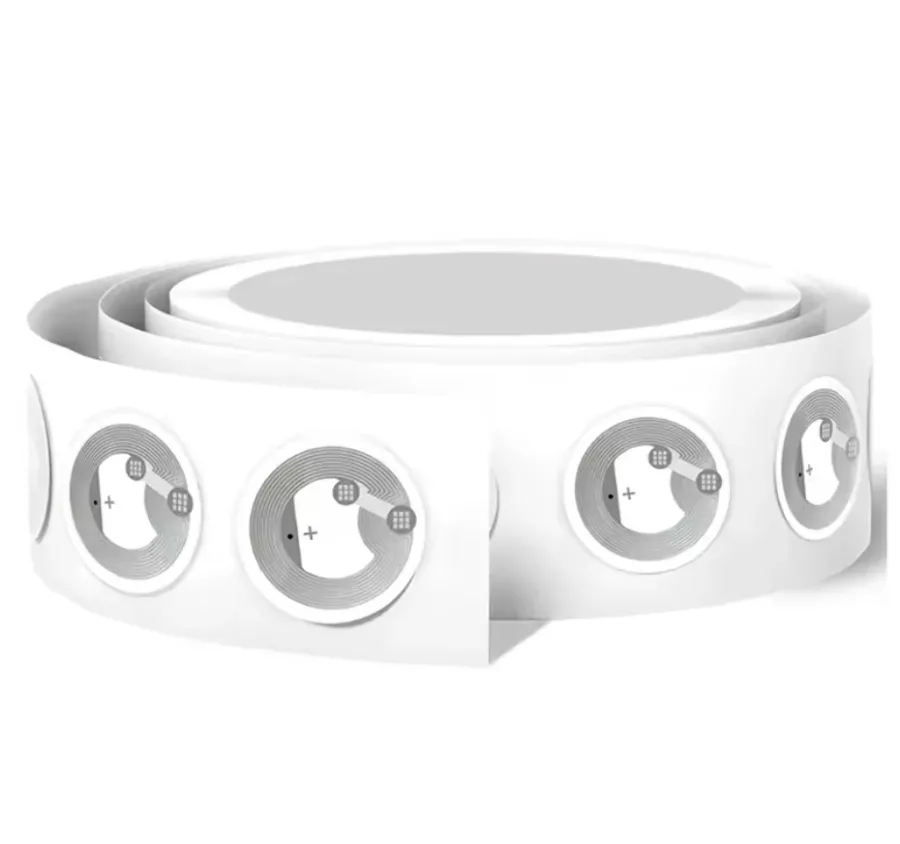
NTAG215 NFC stickers
These are the stickers I use for Plantbot. Each holds a web address: tap the pot with an NFC-capable phone, open the link, and press the button to record a watering.
The phone needs NFC. Every iPhone since the XS reads tags in the background with nothing installed; older models and most Android phones can read them too, some only with an app open.
The tag only stores a URL. All the logic lives on the server, so a plant can be renamed or its schedule changed without rewriting the sticker.
Read range is short — a couple of centimetres — so the sticker sits at the surface of the soil rather than buried, and the phone has to touch the pot.
Ceramic and plastic pots read fine. Metal or foil-lined pots detune the antenna and may not read at all.
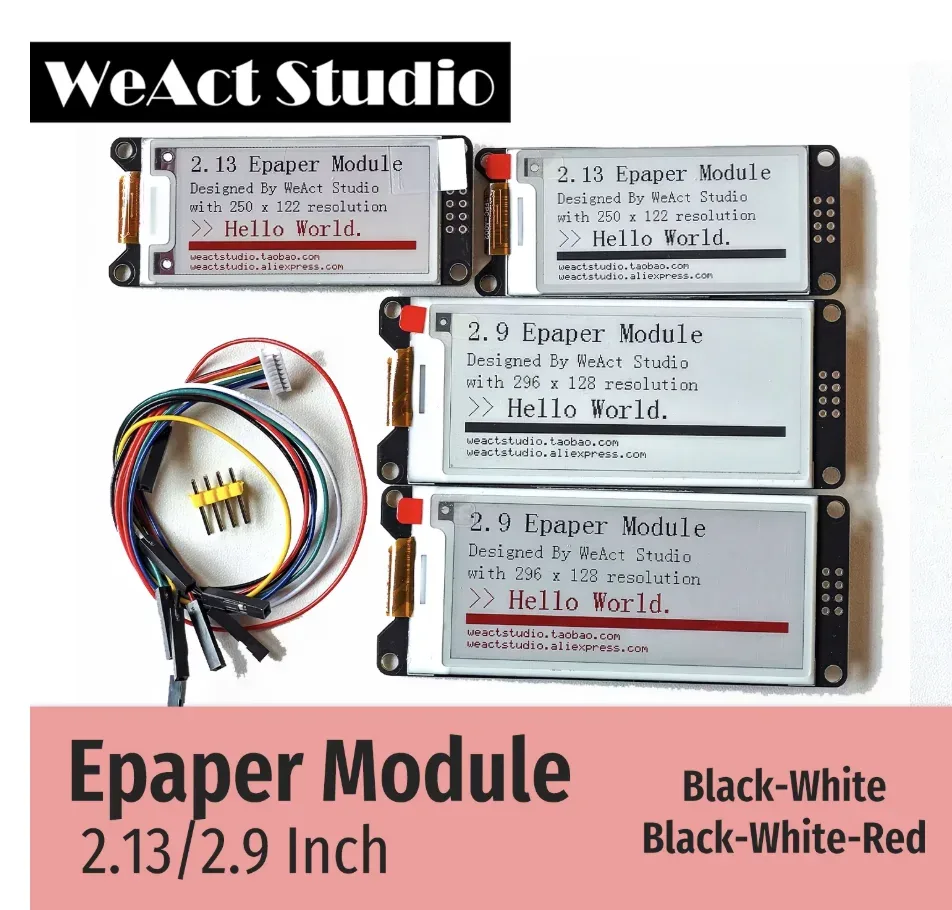
This is the display I used for MusicStation v1. The 296×128 panel is a good fit for text, monochrome artwork, playback progress, and information that should remain visible without a constantly lit screen.
Choose the 2.9-inch black-and-white 296×128 version for MusicStation. The listing also shows 2.13-inch and three-color variants, which are different panels.
The image remains visible when the panel is not refreshing.
A full refresh is slow compared with LCD or OLED, so the interface needs to be designed around that limitation.
MusicStation uses partial refreshes for lyrics and playback state instead of redrawing the entire screen each time.
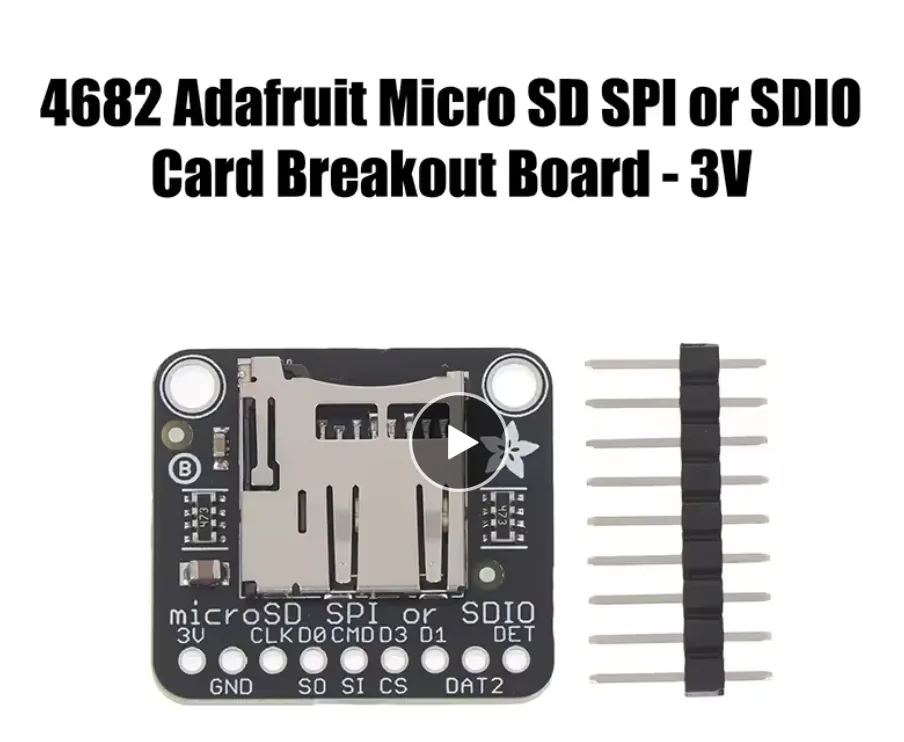
This is the 3 V microSD breakout I use in MusicStation v2. The card holds the MP3 library, synchronized lyrics, prepared album artwork, playlists, and the index used by the e-paper interface.
This is the 3 V-only version. Connect its 3V pin to 3.3 V; do not power it from 5 V.
MusicStation v2 uses one-bit SDIO with CLK on GPIO38, CMD on GPIO39, and DAT0 on GPIO40. DAT1 and DAT2 are not needed.
The board can also work over SPI, but the current MusicStation firmware uses the ESP32-S3 SDMMC peripheral for reliable multi-block reads.
Format the card as FAT32. The station expects Music, Playlists, and its generated .station index at the card root.
Generic
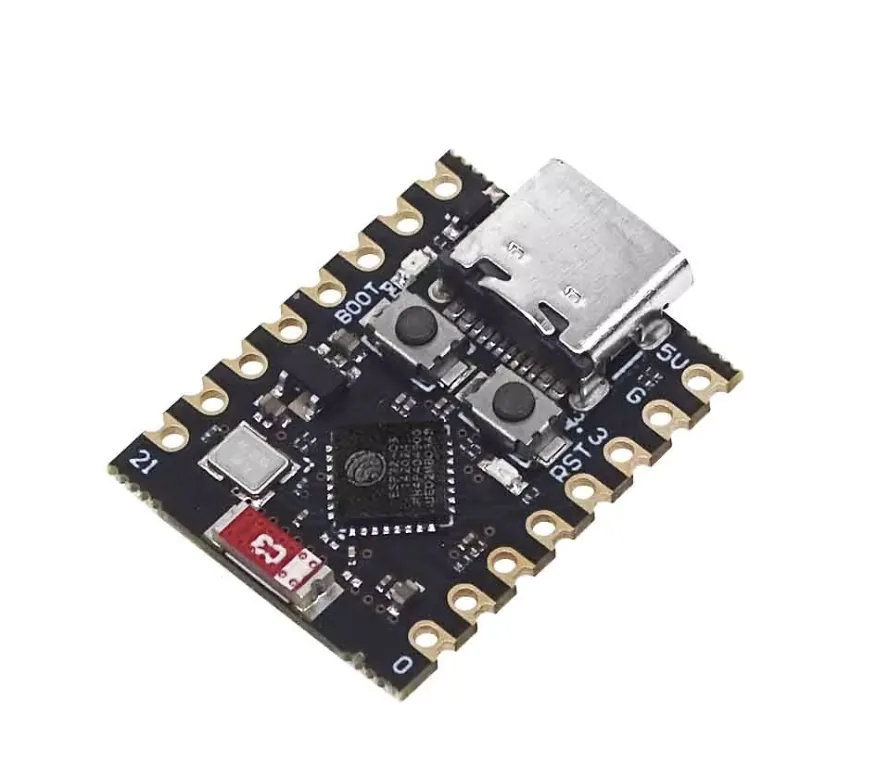
ESP32-C3 Super Mini
This is the small ESP32-C3 board I used for my battery-powered weather station. It reads the temperature and humidity sensor, updates the OLED, and sleeps between checks. Its size makes it easy to fit into a small perfboard build.
The weather station uses this board with an AHT10 sensor, a 128×64 OLED, and a touch module. The article also explains the later sensor swap.
Check the pin labels on your board before following the wiring. Similar-looking compact ESP32 boards can have different pin layouts.
For a battery build, measure the current drawn by the whole circuit. Putting the ESP32 to sleep does not eliminate the draw from the regulator and other connected modules.
The battery, charging/protection module, sensor, and display are separate parts of the weather-station build.